
Proxy Knowledge
Can IPv6 Proxies Access IPv4 Websites? How to Check Before Buying

Table of contents
Can IPv6 proxies access IPv4-only websites?
They can, but not all IPv6 proxies support this. Access depends on the connection from the proxy server to the destination website. If the proxy only has IPv6 outbound connectivity, with no IPv4 route or suitable translation mechanism, it cannot connect directly to an IPv4-only website.
Conversely, a service advertised as an IPv6 proxy can still access IPv4 websites if its server supports both protocols or uses address translation infrastructure. In that case, the IPv4 website will see the outbound IPv4 address, not the IPv6 address the user connects to.
Therefore, the service plan's name alone is not enough to determine compatibility. Before buying, clarify three factors: the address used to connect to the proxy, the proxy protocol, and the outbound address used to reach websites.
Distinguishing connection addresses from outbound addresses
The address used to connect to the proxy
This is the address entered into a browser, application, or tool to connect to the proxy server. It can be an IPv4 address, an IPv6 address, or a domain name. If the provider supplies only an IPv6 address, your network must have suitable IPv6 connectivity.
A computer without working IPv6 connectivity may be unable to reach that endpoint, even if the proxy server has IPv4 outbound connectivity. This is an issue on the connection between the user and the proxy, separate from the ability to access the destination website.
The outbound address used to reach websites
This is the source address a website sees when it receives a connection from the proxy. The outbound address may be IPv4 or IPv6, or it may be selected based on the website's capabilities and the infrastructure configuration.
The inbound address does not determine the outbound address. A proxy that accepts connections over IPv6 can still send requests to websites over IPv4. Similarly, a user may connect to a proxy over IPv4 but receive an IPv6 outbound address when accessing a website that supports that protocol.
The proxy protocol is a separate factor
HTTP proxy and SOCKS5 are intermediary protocols; they are not synonymous with IPv4 or IPv6. An application's support for SOCKS5 does not guarantee that it correctly handles IPv6 addresses, domain name resolution, or every authentication configuration offered by the provider.
When IPv6 proxies can access IPv4 websites
The proxy server supports both IPv4 and IPv6
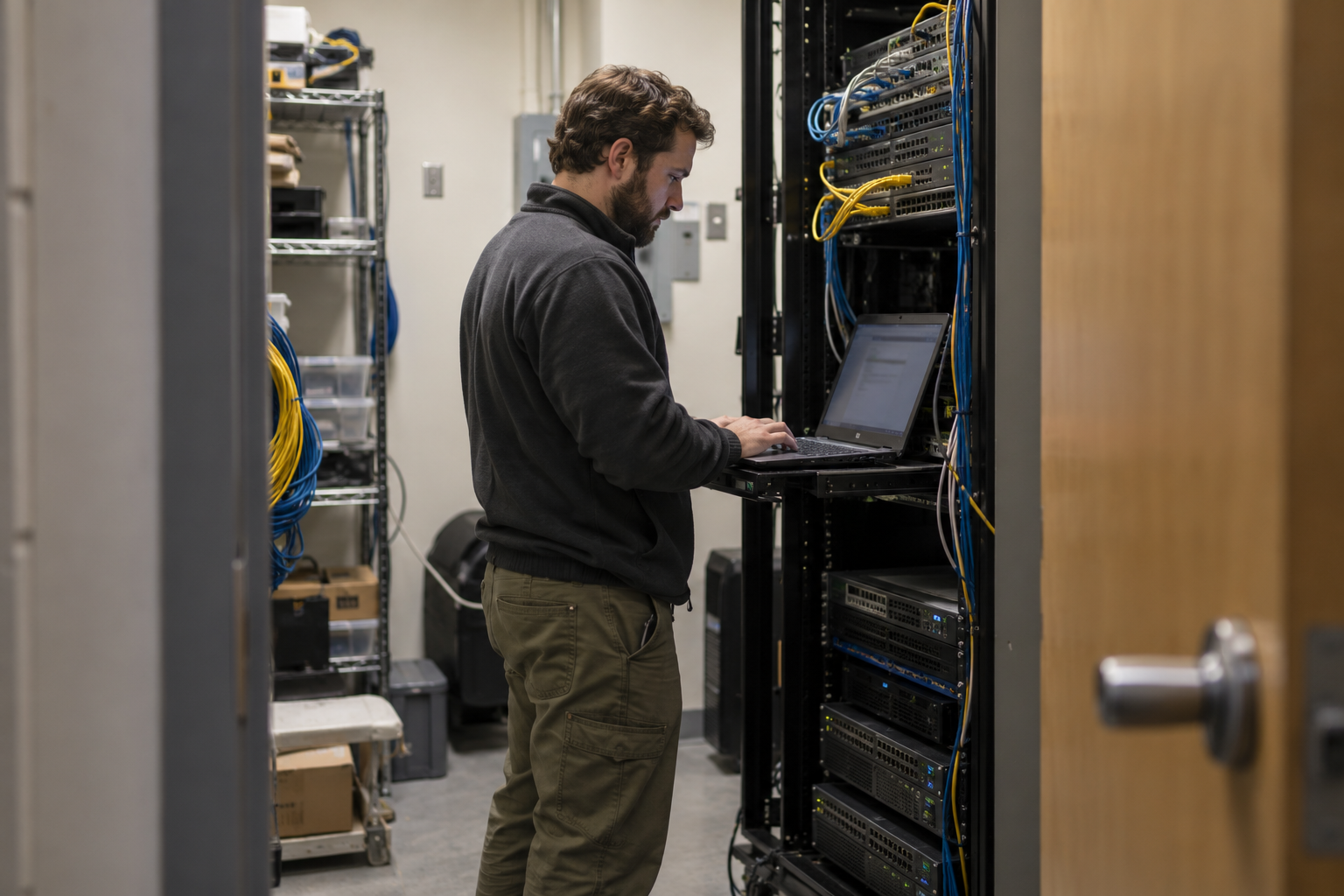
With infrastructure that supports both protocols, commonly called dual-stack, a server can accept a connection over IPv6 and then open an IPv4 connection to the website. This requires the proxy software, routing, and service policies to permit this behavior.
This situation can easily cause confusion when buying: customers receive an IPv6 proxy address but access IPv4 websites through the server's shared IPv4 address. The access functionality may meet their requirements, but the outbound characteristics differ from their expectations.
The infrastructure provides IPv6-to-IPv4 translation
Some networks use translation mechanisms such as NAT64 to connect an IPv6 environment to IPv4 resources. DNS64 may assist by synthesizing IPv6 records from IPv4 records when the system is configured accordingly.
However, NAT64 or DNS64 should not be assumed to be a default feature of every IPv6 proxy. Whether it works also depends on where domain names are resolved, the proxy software, and how the application sends destination addresses. The provider needs to confirm the actual configuration.
The proxy only has IPv6 outbound connectivity
Without IPv4 outbound connectivity or a translation mechanism, the proxy cannot connect directly to an IPv4-only website. Changing browsers or proxy login credentials cannot add this missing connectivity capability.
In that situation, the appropriate choice is an IPv4 proxy or a service with both IPv4 and IPv6 outbound connectivity that has been tested with the website you need to use.
How to determine whether a website is truly IPv4-only
Typically, an A DNS record provides an IPv4 address, while an AAAA record provides an IPv6 address. You can use a DNS lookup tool, such as dig or nslookup, to check both record types for the destination domain.
If the domain has an A record but no AAAA record at the time of checking, this indicates that the domain is advertising IPv4 access without advertising IPv6. However, the scope must be assessed correctly: one domain does not represent the entire website.
The main page, login page, API, and resource servers may use different domains. DNS results can also vary by location or content delivery network. Therefore, check the domains involved in your actual workflow.
How to check proxy compatibility before buying
Clarify the configuration with the provider
Before requesting a trial, describe the website and software you intend to use. The following questions will help identify the right product:
- Is the proxy connection address an IPv4 address, an IPv6 address, or a domain name?
- Does the proxy support websites that publish only A records?
- Which outbound address will IPv4 websites see?
- Is the outbound IPv4 address dedicated or shared, and is it fixed or subject to change?
- Which proxy protocols and authentication methods does the service support?
- Is a trial account available, and what are the refund terms if the service is incompatible?
Prioritize specific answers in writing. Descriptions such as “supports all websites” are no substitute for information about outbound connectivity, protocols, and the scope of support.
Check the connection from your device to the proxy
Use the same device, network, and application you plan to deploy later. If the connection endpoint is IPv6, confirm that your current network has a working IPv6 route. Also check the server address, port, account credentials, and connection access rules.
For applications that require the address and port to be entered in a single string, IPv6 addresses usually need to be enclosed in square brackets. Follow the software's required format, as syntax errors can be mistaken for proxy incompatibility.
Test IPv4 and IPv6 destinations separately

Do not simply open an IP-checking page that supports both protocols and draw a conclusion. Test a confirmed IPv4-only destination and an IPv6-capable destination separately. This helps determine outbound capabilities rather than merely confirming that the proxy is working.
If you use a command-line tool such as curl, read its documentation on proxy configuration and domain name resolution. Options that force IPv4 or IPv6 for a direct connection do not necessarily control the connection from the proxy server to the website.
Test the entire workflow on the destination website
Being able to access the homepage does not prove that the service meets your operational needs. Test the steps permitted by the website: open the login page, load resources, use the required features, and complete the intended task.
For websites that use multiple domains, one working stage does not mean every component is compatible. Testing the actual workflow also helps reveal limitations in the application or proxy protocol.
Verify the outbound address
When testing an IPv4 destination, confirm the IPv4 address that the destination service sees. You can use a trusted IPv4-only IP-checking endpoint or a server you manage to observe the source address.
If your work requires a stable outbound address, test across connection sessions and ask for clarification of the allocation policy. Do not assume that each IPv6 proxy address corresponds to a separate outbound IPv4 address.
Distinguishing compatibility issues from other errors

Being unable to access a website is not enough to conclude that the proxy lacks IPv4 support. Errors can occur at several different stages:
- Unable to connect to the proxy: check IPv6 connectivity, the address, port, and access rules.
- Authentication failed: check the username, password, or authorized source address.
- Unable to resolve the domain name: check whether DNS is handled on the device or at the proxy.
- The proxy reports an error when opening the destination connection: review network routes, outbound connectivity, and service policies.
- The website returns a denial message: the connection may have succeeded, but the website is rejecting the request under its own policies.
With SOCKS5, resolving domain names on the user's device and resolving them at the proxy can produce different results. When reporting an error, provide the time, domain name, application, and specific error message; do not share proxy passwords publicly.
Should you choose an IPv4 proxy or an IPv6 proxy?
Choose an IPv4 proxy when important websites only support IPv4, your current application has IPv6 limitations, or your work specifically requires IPv4 outbound connectivity. This is usually the more straightforward choice for accessing IPv4 resources.
Choose an IPv6 proxy when the destination website supports IPv6, your operating environment is compatible, and you have verified the outbound characteristics. If you need to access both types of websites, prioritize a service with both IPv4 and IPv6 outbound connectivity or tested translation capabilities.
Do not choose solely based on price or the advertised number of addresses. Practical value also depends on connectivity, outbound address stability, terms of service, and support quality.
Checklist before paying
- Identify the domains and website functions you actually need to use.
- Check the A and AAAA records of the relevant domains.
- Confirm the proxy connection address, protocol, and authentication method.
- Request clarification of IPv4 website access and outbound characteristics.
- Run a trial on the exact device, network, and software you plan to deploy.
- Test IPv4 destinations, IPv6 destinations, and the actual workflow separately.
- Save the test results along with the support, refund, and acceptable use terms.
Conclusion
Whether an IPv6 proxy can access IPv4 websites depends on the service's outbound connectivity and network architecture, not just its product label. Infrastructure with IPv4 connectivity or a suitable translation mechanism can support this access; IPv6-only outbound connectivity cannot connect directly to IPv4-only destinations.
Before buying, request clear configuration details, check proxy compatibility using a trial account, and verify the address the website actually sees. This provides a more reliable basis than any general promise and helps you make the right choice between IPv6 and IPv4 proxies.
Related articles
Ready for real proxies, not just the guide?
Buy Residential, ISP, Datacenter, or Mobile proxies — live in minutes.
View products