
Proxy Knowledge
Do Proxies Support HTTP/3? How to Check QUIC and HTTP/2 Fallback

Table of contents
Do proxies support HTTP/3?
Yes, but it depends on the proxy type, its UDP forwarding capabilities, and how the browser uses the proxy. A provider advertising HTTP or HTTPS support does not necessarily mean its service supports HTTP/3. To reach an accurate conclusion, you need to identify the protocol on each connection segment and test an actual browsing session.
With many traditional HTTP proxy or HTTPS proxy configurations, browsers access HTTPS websites through a CONNECT tunnel running over TCP. HTTP/3, meanwhile, uses QUIC over UDP. As a result, browsers typically use HTTP/2 or HTTP/1.1 for connections to websites through this tunnel, rather than HTTP/3.
This article clarifies the concept of an HTTP/3 proxy, the requirements for QUIC proxy support, and the HTTP/3 testing process for confirming HTTP/2 fallback without relying solely on marketing claims.
Understanding HTTP/3, QUIC, and proxy connection segments
HTTP/3 uses QUIC instead of TCP
Browsers commonly use HTTP/2 over TLS connections running on TCP. HTTP/3 maps HTTP exchanges onto QUIC, a transport protocol that operates over UDP and incorporates TLS-based security.
This difference matters when using a proxy. A proxy that only forwards TCP streams cannot automatically transport QUIC packets. Simply allowing UDP on the local network is not enough either: the application, proxy, and network path must all support the appropriate transport mechanism.
The connection to the proxy differs from the connection to the website

When evaluating an HTTP/3 proxy, you need to distinguish the browser-to-proxy segment from the segment to the destination website. Depending on its architecture, the proxy may simply forward a tunnel or establish its own HTTP connection to the destination server.
For example, a reverse proxy may accept HTTP/3 from users but communicate with the backend server over HTTP/2. Conversely, a service may use HTTP/3 on an internal segment while the browser still exchanges only HTTP/2 with the frontend endpoint.
HTTP/3 support on one segment does not prove that HTTP/3 is used along the entire path. Test reports should clearly state which segment is being observed, rather than simply concluding that the proxy as a whole does or does not support QUIC.
Which types of proxies can transport QUIC?
Traditional HTTP proxies and HTTPS proxies
For HTTPS websites, browsers typically ask an HTTP proxy to open a CONNECT tunnel to the destination server. Traditional CONNECT provides a TCP stream, which is suitable for TLS and HTTP/2 but does not directly forward QUIC UDP datagrams.
An HTTPS proxy adds a TLS layer to the connection to the proxy. This name does not mean the proxy supports every HTTP version or can transport QUIC. You need to read the documentation for the tunneling method the service actually implements.
SOCKS5 and UDP capabilities
SOCKS5 includes a UDP ASSOCIATE mechanism, but a capability defined in the protocol does not mean browsers will use it. Many browser SOCKS configurations primarily handle TCP traffic.
Therefore, a SOCKS5 proxy advertising UDP support is not enough to confirm that a browser can run HTTP/3 through it. You need to check the proxy server, the client application, and how the application maps QUIC traffic onto the proxy connection.
CONNECT-UDP and the MASQUE architecture
CONNECT-UDP is a mechanism directly related to forwarding UDP over HTTP. Implementations based on the MASQUE architecture can provide a foundation for transporting UDP traffic, including QUIC, through a proxy.
However, you should not assume that every browser will automatically be able to use a proxy simply because it supports CONNECT-UDP. The client application must support the corresponding mechanism, be configured correctly, and be compatible with the service. A proxy that uses HTTP/3 to accept connections does not necessarily provide UDP forwarding to websites.
Preparing an HTTP/3 test environment
A reliable test requires a baseline without a proxy. If the website has never worked over HTTP/3 on a direct connection, seeing HTTP/2 when the proxy is enabled does not prove that the proxy is the cause.
- Choose a website that supports HTTP/3: prioritize a clearly documented test endpoint whose protocol you can observe in the browser.
- Keep conditions consistent: use the same device, browser, network, and website address for comparisons.
- Record the configuration: save the proxy type, authentication method, and whether it applies to the browser or the operating system.
- Account for intermediaries: note any VPNs, HTTPS inspection software, extensions, and administrative policies.
- Use a separate test session: close related sessions or use a separate browser profile to limit the influence of existing connections.
A website may advertise HTTP/3 through Alt-Svc or DNS HTTPS records. The browser sometimes needs an initial visit before establishing HTTP/3. Therefore, an initial page load using HTTP/2 does not necessarily mean the website does not support HTTP/3.
How to check HTTP/3 in a browser
Observe the Protocol column in DevTools

In Chromium-based browsers, open the developer tools, go to Network, and enable the Protocol column from the table header menu. The option names may vary depending on the browser language and version.
- Disable the proxy, visit the test website, and open the Network panel.
- Reload the page; you can enable Disable cache while DevTools is open to reduce the influence of the HTTP cache.
- Observe the main document request and requests to the same hostname.
- If necessary, visit again to give the browser an opportunity to use the HTTP/3 advertisement information.
- Record the protocol value, domain name, and response status of representative requests.
A value of h3 indicates that the tool recorded the request as using HTTP/3; h2 corresponds to HTTP/2. If HTTP/1.1 is displayed, the request is using that version, not HTTP/2 fallback.
A page may load resources from multiple domains using different protocols. You should not use the result for an advertising resource or an external image to draw conclusions about the connection to the main domain.
Distinguish network responses from locally available data
Requests served from the cache or a service worker may not create a new network connection. When testing HTTP/3, prioritize requests that actually travel over the network and check the response source information.
Disable cache does not necessarily clear Alt-Svc state or close existing connections. If the results are difficult to explain, fully close the browser and try again with a separate test profile rather than simply reloading the page.
How to confirm that the browser switches to HTTP/2 when using a proxy
Compare direct and proxied connections
After observing h3 during direct access, enable the proxy and establish a new connection session. Do not simply change the configuration and continue using a tab that retains an old connection.
- Configure the proxy and check that the configuration has been applied to the browser.
- Confirm the traffic route using proxy logs or a suitable IP address checking endpoint.
- Reopen the exact website used for the baseline.
- Observe the Protocol column for the main document and requests to the same hostname.
- Record whether requests succeed using h2 or HTTP/1.1, or encounter connection errors.
- Disable the proxy, create a new session, and test again to strengthen the comparison.
If the direct connection uses h3 while the proxied connection uses h2, you can conclude that the proxied browsing session is using HTTP/2 instead of HTTP/3. This is useful practical evidence of HTTP/2 fallback behavior in the tested configuration.
Distinguish choosing HTTP/2 from attempting QUIC and failing
Seeing h2 alone does not prove that the browser sent QUIC traffic, failed, and then switched protocols. The browser may recognize that the proxy configuration is unsuitable and choose HTTP/2 from the start.
If you need to determine the exact sequence, capture the browser's network logs, for example using Chromium's NetLog feature. Look for information about proxy selection, QUIC establishment, TCP connections, and the negotiated protocol.
Your conclusion should accurately reflect the evidence: “proxied access uses HTTP/2” is different from “an unsuccessful QUIC attempt was recorded before HTTP/2 was established.”
Checking QUIC at the network level and with command-line tools
Observe UDP with a packet capture tool
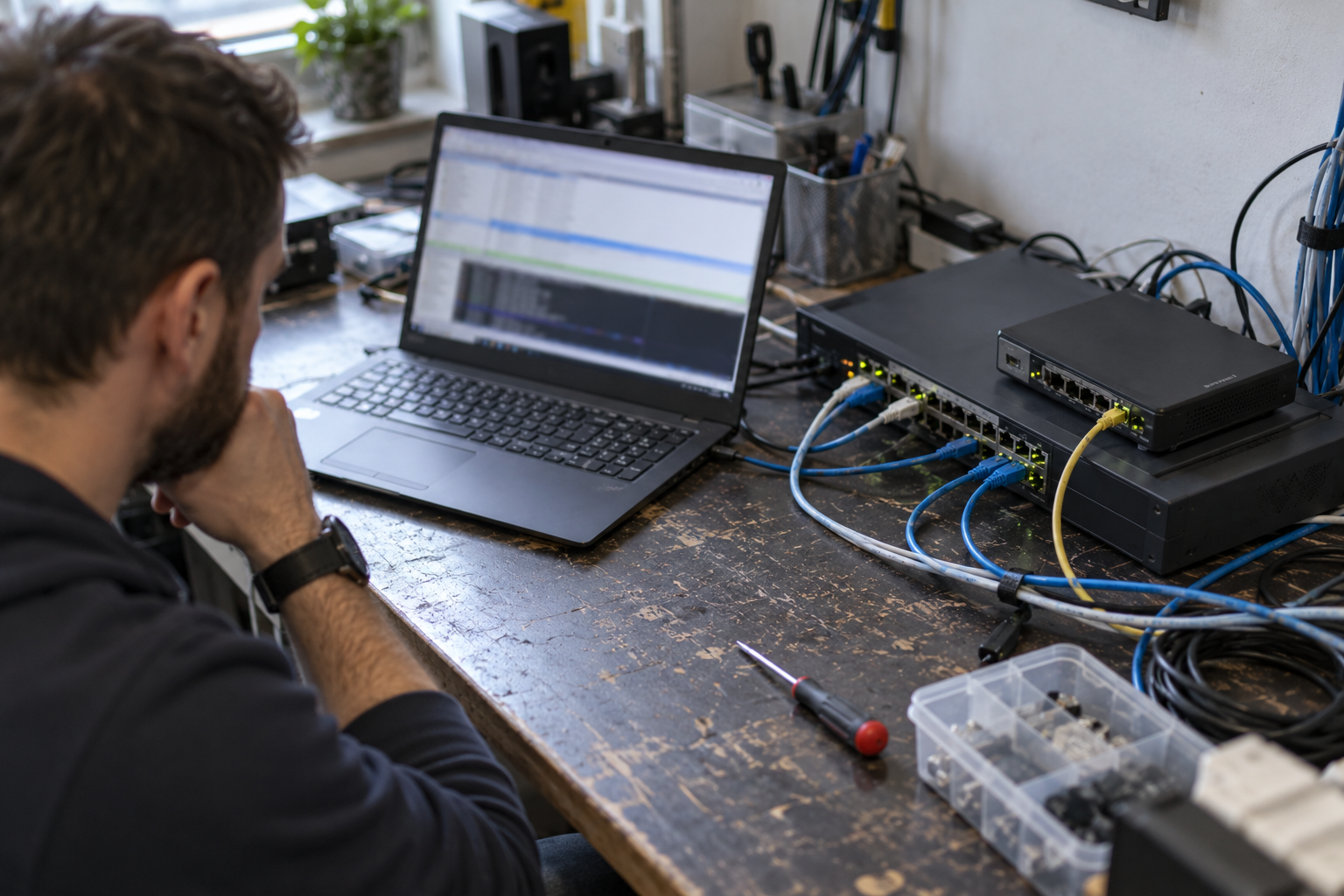
A packet capture tool can help identify UDP traffic and connections recognized as QUIC. Limit the scope by test time, destination address, and process if the tool supports it.
However, the presence of UDP does not mean website requests are using HTTP/3. The traffic may belong to another application or another browser function. Conversely, when an encrypted tunnel is used, observations on the device may reveal only the outer connection to the proxy.
To confirm that QUIC is actually being transported through the proxy, combine browser protocol information, proxy logs, and packet capture data. A change in the exit IP address only proves that the IP-checking request followed that route, not that every connection does.
Use curl for supplementary testing
curl can help test HTTP/3 if the installed build includes the appropriate features. First, check its version and feature information; then consult the documentation for the installed version regarding the --http3 and --http3-only options and proxy configuration.
You need to distinguish between a mode that allows fallback to another protocol and a mode that accepts only HTTP/3. Also, support for HTTP/3 to the destination server does not automatically mean curl supports transporting QUIC through the type of proxy being tested.
curl results are only supplementary to browser testing, because the two applications may differ in their QUIC libraries, proxy handling, and connection policies.
Common mistaken conclusions when evaluating HTTP/3 proxies
- Seeing Alt-Svc and claiming HTTP/3 is already in use: this header advertises a capability; it does not confirm the protocol of the current response.
- Seeing h2 and immediately blaming the proxy: you need to rule out the possibility that the website, network, or browser policies already prevented HTTP/3.
- Seeing h3 with the proxy enabled and concluding that QUIC passes through the proxy: you need to check the configuration scope, bypass rules, and actual connection route.
- Equating UDP support with browser support: the server may support UDP, but the client application may be unable to use that mechanism.
- Treating HTTP/2 fallback as an error: HTTP/2 may still be a normally functioning protocol that is appropriate for the proxy architecture.
Conclusion
Proxies can support HTTP/3, but you need to evaluate the specific UDP transport mechanism, client capabilities, and each connection segment. With HTTP proxies or HTTPS proxies using traditional CONNECT, HTTP/2 is often the practical choice for HTTPS access rather than QUIC.
A reliable testing process is to confirm h3 on a direct connection, create a new session through the proxy, observe h2, and cross-check logs when necessary. This approach helps distinguish a proxy that actually transports QUIC from a case where the browser uses HTTP/2, while avoiding confusion between an initial protocol choice and a failed QUIC attempt.
Related articles
Ready for real proxies, not just the guide?
Buy Residential, ISP, Datacenter, or Mobile proxies — live in minutes.
View products